
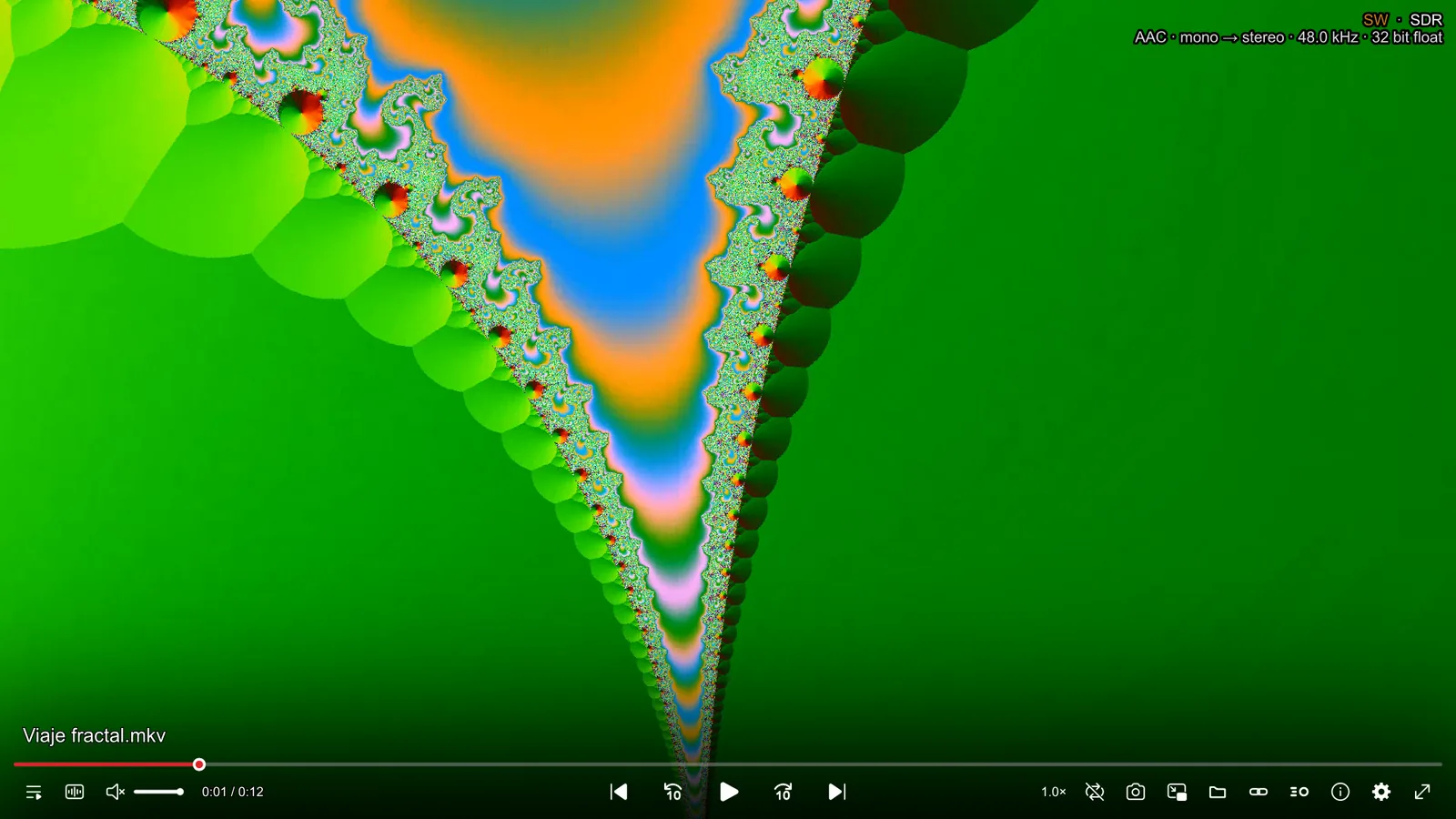
What it is
eVideoPlay is a video player built on mpv, the open-source playback engine known for its image quality. On top of it sits its own interface based on ModernZ, settings menus that never require editing files and careful integration with the operating system. The idea is simple: the best possible picture by default, with no added effects, and everything else a couple of keys away.
How it works
The Rust program loads libmpv and looks after the window and the system; mpv decodes and draws. On Windows, mpv is embedded in its own window without going through any interface framework's compositing, with real HDR, zero-copy hardware decoding and exact scaling. On macOS it is a native application with libmpv in the same process: mpv draws with Vulkan on Metal and the program provides the menu bar, the open dialog and documents handed over from Finder and the Dock. On Linux it starts the system's mpv.
Look, shortcuts, menus and profiles live in a shared configuration (mpv options and Lua scripts), identical on all three systems. What is specific to each one (graphics API, decoding) is applied before mpv starts. Settings are saved instantly; if a settings file is damaged, it is set aside under another name and a message appears on screen instead of losing it silently.
Main features
- Purist default profile: no effects and the most neutral scaling at maximum quality.
- Savable profiles and example profiles by quality (upscaling, colour, sharpness, animation, smooth cinema).
- Optional GPU effects in three combinable groups: upscaling (FSRCNNX, RAVU, AMD FSR, Anime4K…), colour and sharpness; switched on the fly.
- HDR in automatic, HDR or SDR mode, with tone mapping and use of the Windows HDR calibration profile so blacks are not lifted.
- Smooth motion through frame blending, and a dialogue mode that brings voices forward and levels the volume.
- Thumbnails when hovering over the progress bar and a separate information window.
- Subtitles loaded automatically from the usual subfolders, and translation of a track into Spanish with a local language model; only the text is sent, timings never pass through the AI.
- Spectrum analyser over the video and a visualiser for audio files.
- Single instance: opening several files at once builds a playlist in the open window.
- On Windows, media keys, taskbar progress and optional control from an AI assistant through a closed list of playback commands.
Technology
Rust on top of libmpv, loaded at run time. On Windows, a winit window and direct calls to the system API; on macOS, Cocoa through objc2. The on-screen interface is ModernZ with its own buttons and glyphs, and thumbnails use thumbfast. Subtitles in MKV and MP4 are extracted with the program's own code, without ffmpeg. Translation talks to a local model server over HTTPS and pins its certificate fingerprint the first time.
Limits
Image effects are off by default because they change the picture; upscaling effects only act when enlarging. Image-based subtitles (Blu-ray PGS, DVD VobSub) cannot be translated because they contain no text. The spectrum analyser is Windows-only. On macOS the window belongs to mpv and automatic window sizing cannot be turned off. On Linux it is a launcher: it uses the installed mpv and has no system-specific integrations.
Requirements
Not part of the app: installed separately from their official websites, each under its own licence.
- mpv (libmpv), from mpv.io
 eVideoConv
Batch video converter to M4V (MP4) using ffmpeg.
 eAudioVideoMux
Moves the audio track from one video to another into an MKV, with delay, automatic sync detection and AAC/AC3 conversion.
 eHandBatch
Batch video conversion with HandBrakeCLI and your own HandBrake presets.